
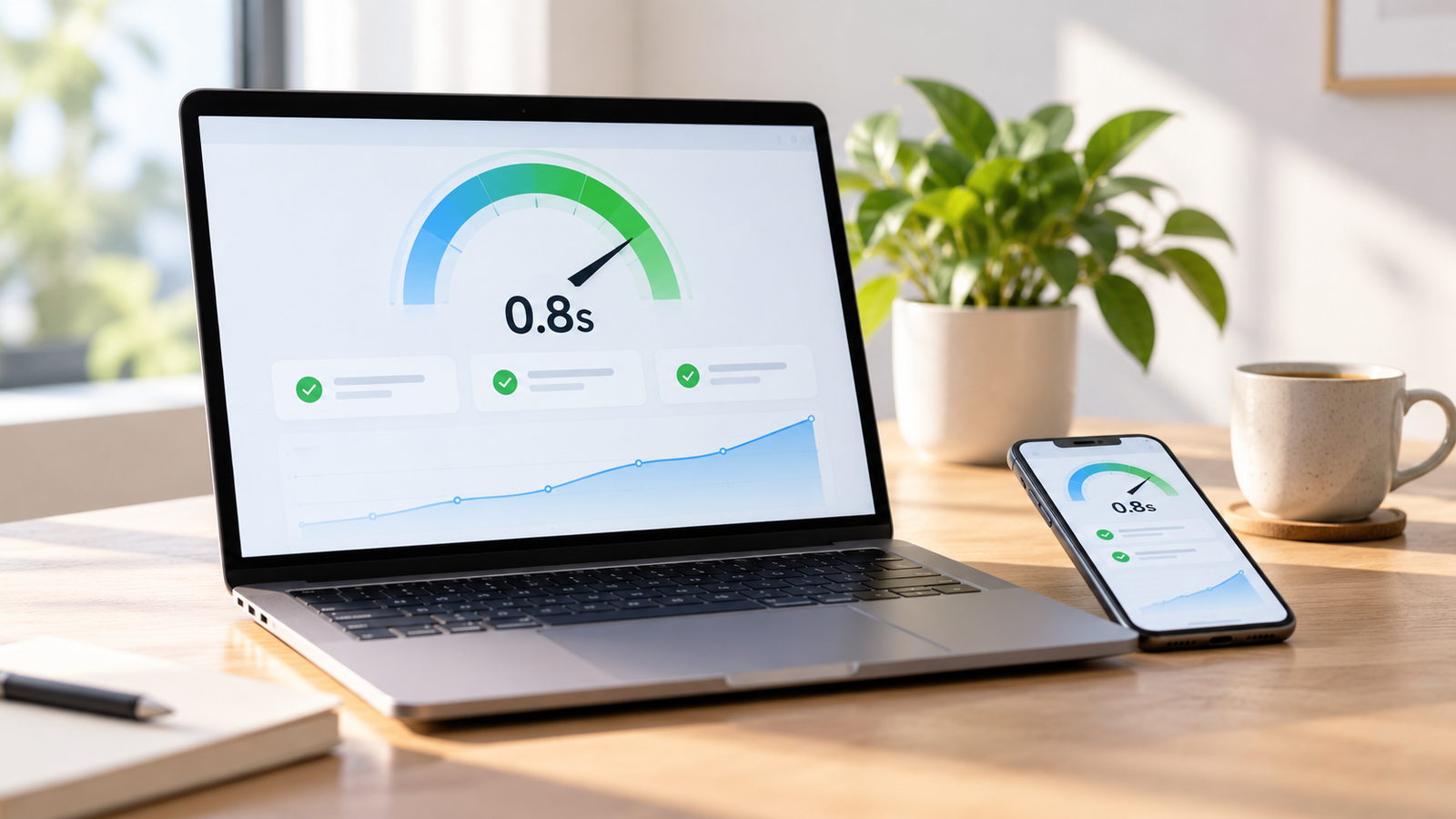
Here’s the uncomfortable truth about website speed 2026: most visitors decide whether to stay on your site before it has even finished loading. If your pages take more than a few seconds, many of them simply leave, and they rarely come back.
Speed affects three things every business cares about: how much people trust you, how well you rank on Google, and how many visitors turn into enquiries or sales. The good news is that most slow websites can be fixed without a full rebuild.
1. First Impressions Happen in Seconds
Your website is often the first interaction someone has with your business. A fast, smooth site signals that you’re professional and reliable. A slow one creates doubt before visitors read a single word.
Google’s own research found that more than half of mobile visits are abandoned when a page takes longer than three seconds to load. Every second you shave off keeps more people on your site.
Do this today: Open your website on your phone using mobile data, not Wi-Fi, and time how long it takes until you can actually read and tap something.
2. Speed Directly Affects Sales and Leads
Faster sites convert better. Amazon famously found that every 100 milliseconds of extra delay cost them around 1% in sales, and a Deloitte study showed that improving mobile load time by just 0.1 seconds increased retail conversions by about 8%.
You don’t need Amazon’s traffic for this to matter. For a small business, a slow contact page or checkout can mean losing the few enquiries that keep the business growing.
- Visitors stay longer and view more pages.
- More people fill in your contact form or complete a purchase.
- Paid ads perform better, because fewer clicks are wasted on people who leave early.
Do this today: Check your most important pages first: the homepage, your main service page and your contact page.
3. Website Speed 2026: How Google Measures It
Google measures how fast and stable your site feels to real users through Core Web Vitals. They’re part of how Google evaluates page experience:
- Largest Contentful Paint (LCP): how quickly the main content appears. Aim for 2.5 seconds or less.
- Interaction to Next Paint (INP): how quickly the page responds when someone taps or clicks. Aim for 200 ms or less. INP replaced the older First Input Delay (FID) metric in 2024.
- Cumulative Layout Shift (CLS): how much the page jumps around while loading. Aim for 0.1 or less.
Speed alone won’t push weak content to the top, but when two pages are similarly useful, the faster one has the edge. Speed also works together with the other ranking basics covered in our 10 simple SEO tips for 2026.
Do this today: Test your homepage on PageSpeed Insights and look at the mobile results first. Green means good, orange needs work, and red needs fixing.
Is your website losing visitors to slow loading?
Get a free speed check and a clear list of what’s slowing your site down.
4. Easy Wins to Speed Up Your Website
Most speed problems come from the same few causes. Start with these:
- Compress and resize images. Images are usually the heaviest part of a page. Convert them to WebP and upload them at the size they’re actually displayed.
- Turn on caching. A caching plugin such as LiteSpeed Cache or WP Rocket serves ready-made versions of your pages instead of building them for every visitor.
- Remove plugins you don’t use. Every active plugin can add scripts and styles to every page.
- Go easy on sliders, animations and popups. They look nice in a design review but often slow mobile pages the most.
- Use a CDN. A content delivery network serves your files from a location close to each visitor. Many hosts, including Hostinger, offer one built in.
- Choose good hosting. Cheap shared hosting can slow down even a well-built site, especially when traffic grows.
Do this today: Pick the two biggest images on your homepage, compress them with a free tool such as Squoosh, and upload them again.
5. Speed Is a Mobile Problem First
Most people now browse on their phones, often on slower connections than you have at the office. Google also uses the mobile version of your site to decide rankings. A site that feels fine on your laptop can still feel slow to your customers.
Do this today: In PageSpeed Insights, compare your mobile and desktop scores. If mobile is much lower, start there.
Final Word: Speed Is a Business Decision
A fast website isn’t a technical luxury. It shows visitors that you respect their time, it helps Google rank you, and it turns more of your existing traffic into real enquiries. Most sites can make big gains with a few focused fixes rather than a full redesign.
If you’d like an expert to find and fix what’s slowing your site down, our web development team can help.
Need a faster website?
We help businesses improve speed, Core Web Vitals and conversions, without starting from scratch.
Frequently Asked Questions
What is a good page load time in 2026?
Aim for your main content to appear within about 2.5 seconds on mobile, which matches Google’s LCP target. Faster is always better, especially on pages where you want people to contact you or buy.
Does website speed affect Google rankings?
Yes. Page experience, including Core Web Vitals, is part of how Google evaluates pages. Relevant, helpful content matters most, but speed can be the deciding factor between similar pages.
How do I check my website speed?
Use Google’s free PageSpeed Insights tool. Enter your page URL and check the mobile results first. Google Search Console also has a Core Web Vitals report for your whole site.
Why is my WordPress website slow?
The most common causes are large images, too many plugins, heavy page builders or themes, no caching, and low-cost hosting. Fixing images and caching alone often makes a noticeable difference.
Do I need a new website to make it faster?
Usually not. Most sites can be sped up by optimizing images, caching, plugins and hosting. A rebuild only makes sense when the site’s underlying design or code is the real bottleneck.