
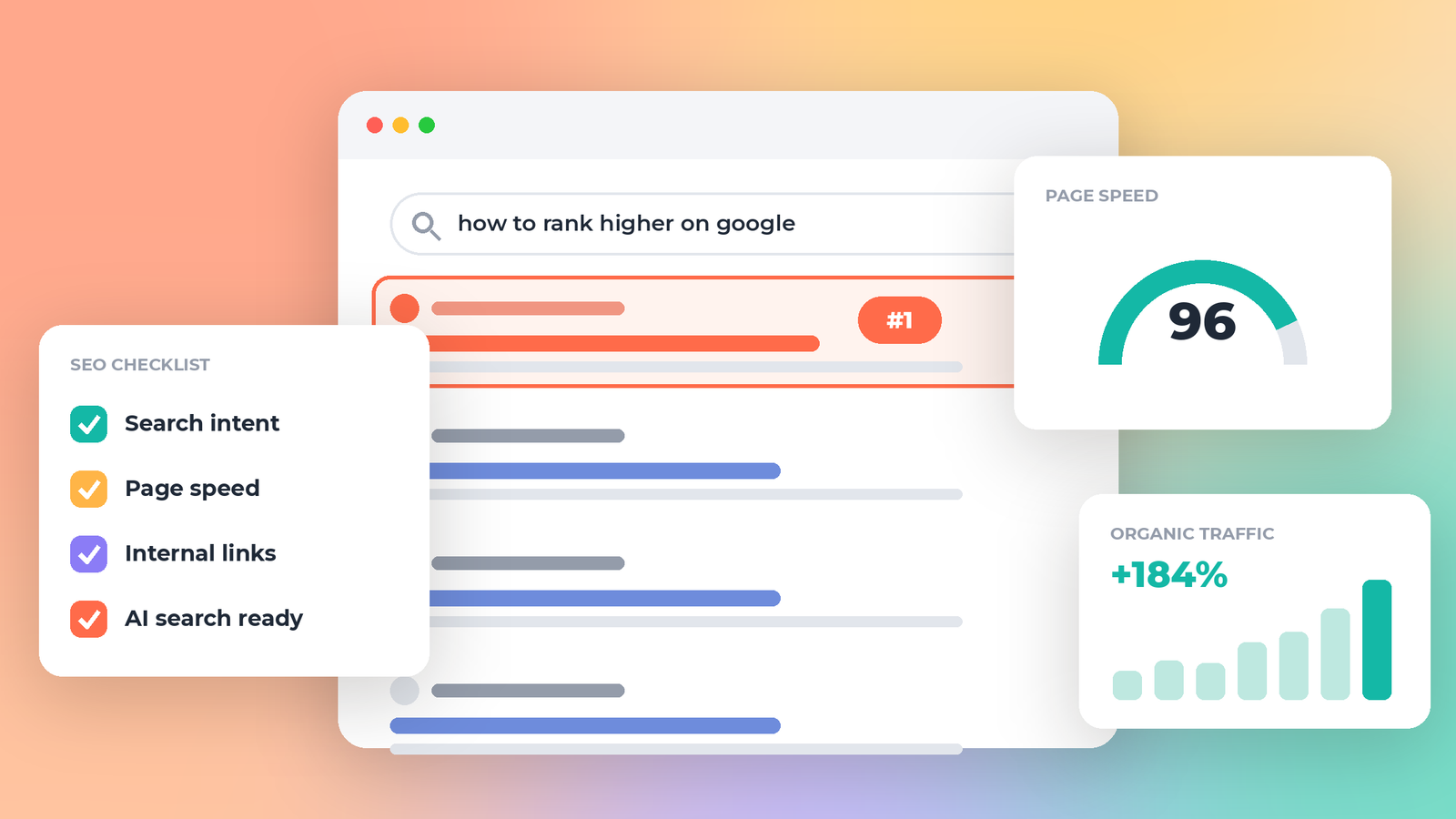
Most small business websites don’t have a ranking problem. They have a basics problem: pages that don’t match what people search for, slow load times, missing titles, and content nobody has touched in years.
The good news is you don’t need expensive tools to fix most of it. These SEO tips for 2026 are the same checks we start with on every website we work on, and each one ends with a simple step you can do today.
1. Start With Search Intent, Not Just Keywords
Google tries to understand why someone is searching, not just the words they type. The same keyword can mean very different things.
Someone searching “running shoes” probably wants to compare options. Someone searching “buy running shoes size 9” wants a product page. If your page doesn’t match the intent, it won’t rank, however well it’s written.
Do this today: Search your main keyword on Google and look at the top five results. Are they guides, product pages, local listings or videos? Make your page the same type, and better. Google Trends, AnswerThePublic and the “People also ask” box will show you the real questions people have.
2. Write for People First, and Show Real Experience
Google rewards content written to help a reader, not just to rank. It also looks for signs of real experience and expertise, often called E-E-A-T.
Keep paragraphs short, use clear subheadings and bullet lists, and answer the main question early. Then add something only you can offer: a real example, a result, or a mistake you’ve seen clients make.
Do this today: Put the direct answer in the first two or three sentences of your next post, then explain it in detail.
3. Use Keywords Naturally
Place your main keyword where it matters: the page title, the URL, the first paragraph and one or two subheadings. After that, use natural variations and related terms instead of repeating the exact phrase.
Give each page one main keyword. If two of your pages target the same phrase, they compete with each other and both rank lower.
Do this today: List your important pages and write one target keyword next to each. If two pages share a keyword, merge them or change the focus of one.
4. Write Titles and Meta Descriptions That Earn the Click
Your title and description are your advert in Google’s results.
- Title: about 50–60 characters, main keyword near the start, brand name at the end.
- Meta description: about 150–160 characters, with a clear reason to click.
For example, “Home | ABC Clinic” tells searchers nothing. “Dental Clinic in Indiranagar, Bengaluru | ABC Dental Care” tells them exactly what and where.
Do this today: Use your SEO plugin (such as Rank Math or Yoast) to rewrite the titles and descriptions of your five most important pages.
5. Make Your Website Fast and Pass Core Web Vitals
Google measures how your site feels to real users through Core Web Vitals:
- Largest Contentful Paint (LCP): how quickly the main content loads. Aim for 2.5 seconds or less.
- Interaction to Next Paint (INP): how quickly the page responds to taps and clicks. Aim for 200 ms or less. INP replaced the older FID metric in 2024.
- Cumulative Layout Shift (CLS): how much the page jumps around while loading. Aim for 0.1 or less.
The usual quick wins: compress images and convert them to WebP, use a caching plugin, remove plugins you don’t use, and avoid heavy sliders and popups on mobile.
Do this today: Test your homepage on PageSpeed Insights or GTmetrix and check the mobile score first. For a deeper look, read our guide on why a fast-loading website can make or break your business.
Want us to check your website’s SEO?
Get a free review of what’s holding your site back on Google, and a clear list of what to fix first.
6. Get the Technical Basics Right: Mobile and HTTPS
Google mainly uses the mobile version of your site to decide rankings, so your mobile experience is your real website.
Check your site on your own phone. Text should be readable without zooming, buttons easy to tap, nothing covering the content, and everything on desktop should also be available on mobile.
Your site should also run on HTTPS. It’s a small ranking signal, and browsers label sites without it as “Not secure”, which drives visitors away. Most hosts, including Hostinger, provide a free SSL certificate.
Do this today: Open your five main pages on your phone and note anything hard to read or tap.
7. Use Internal Links Smartly
Linking your own pages to each other helps Google find and understand your content, and keeps visitors on your site longer.
Use descriptive link text like “our web development services” instead of “click here”. Make sure your most important pages get links from several other pages.
Do this today: Add two or three links from your newest blog post to your service pages, and one link from an older post back to the new one.
8. Optimize Your Images
Images are often the main reason a page is slow, and they’re also a missed ranking opportunity.
- Rename files before uploading:
seo-checklist-2026.jpginstead ofIMG1234.jpg. - Resize them to the size they’re actually shown at, and compress them.
- Add alt text that describes the image. It helps accessibility, and it helps Google understand the image.
Do this today: Check the alt text on the images of your homepage and top service page.
9. Get Ready for AI Search
More searches now show an AI-generated summary above the regular results, such as Google’s AI Overviews. These summaries draw on pages Google already trusts, so the fundamentals still apply. A few things help your content get picked up:
- Answer common questions clearly and directly, in a sentence or two, before going into detail.
- Use clear headings, lists and tables that are easy to quote.
- Add structured data (schema) for things like your business details, articles and FAQs. SEO plugins like Rank Math can do this for you.
Do this today: Add an FAQ section with 3–5 real customer questions to your most important service page, and check it with Google’s Rich Results Test.
10. Track Results in Search Console and Refresh What Works
Google Search Console is free and shows which searches bring people to your site, which pages are gaining or losing clicks, and any errors Google finds.
Use it to find pages that rank on page 2. They’re your fastest wins. Update them with better information, clearer answers and fresh examples. Only change the “updated” date when you’ve actually improved the content.
Do this today: In Search Console, open Performance, sort by impressions, and pick one page with lots of impressions but few clicks. Improve its title and opening paragraph.
Bonus Tip for Local Businesses: Google Business Profile
If you serve customers in a specific city, your Google Business Profile can matter as much as your website. Keep your hours, services and photos up to date, ask happy customers for reviews, and reply to every review.
Conclusion: Small, Consistent Steps Win
SEO in 2026 isn’t about tricks. It’s about matching what people search for, giving them genuinely useful answers, and running a fast, trustworthy website. Pick two or three tips from this list, apply them this week, and track the results in Search Console.
Want an expert eye on your site? Our digital marketing team can run a full SEO check and show you exactly what to fix first.
Ready to rank higher on Google?
Tell us about your website and we’ll show you the quickest wins for your business.
Frequently Asked Questions
How long does SEO take to show results?
Most websites see meaningful changes within three to six months, depending on competition and how much needs fixing. Quick fixes like better titles and descriptions can show results sooner.
Do I need to publish blog posts every week?
No. A few genuinely helpful, well-researched posts will do more than many thin ones. Consistency matters more than volume.
Is SEO still worth it with AI search?
Yes. AI summaries are built from pages that search engines already find and trust, so strong SEO fundamentals also improve your chances of appearing in AI answers.
Can I do SEO myself?
You can handle most of the basics in this guide yourself. For technical audits, competitive keywords or a site that has dropped in rankings, an experienced team will usually get results faster.
Does HTTPS affect rankings?
It’s a small ranking signal, but it has a big effect on trust, because browsers warn visitors about sites without it.